
YouTube is the world's biggest library of music, podcasts, lectures and audiobooks — but it assumes you're always online. If you commute through dead zones, travel a lot, or just want to save mobile data, listening offline is a game-changer. Here are the practical methods that actually work in 2026, with the legal angle made clear for each.
Method 1: YouTube Premium (Official Offline)
Best for: any copyrighted music, fully legal
YouTube Premium lets you download videos and music for offline playback directly inside the app, plus background play with the screen off and no ads. It's the only fully sanctioned way to take commercial music offline.
- Pros: 100% legal, background play, no ads, works with YouTube Music.
- Cons: Monthly subscription; files stay locked inside the app (not portable MP3s).
Method 2: Convert Permitted Audio to MP3
Best for: your own content, royalty-free & Creative Commons audio, podcasts
If you want a real, portable MP3 you can play in any app, on any device, or load onto an MP3 player — converting is the way. This is perfect for audio you're allowed to download: your own uploads, royalty-free music, Creative Commons tracks, and many independent podcasts that want you to download them.
- Copy the YouTube URL.
- Open the ToolsBear YouTube to MP3 converter.
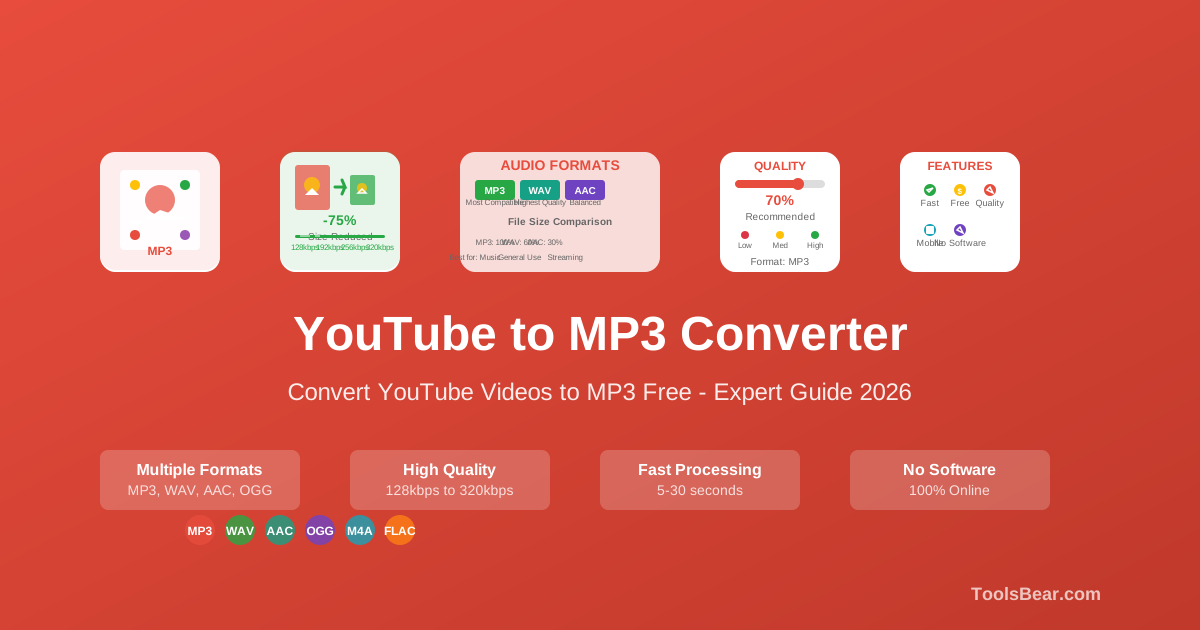
- Pick your quality — 320kbps for music, 128kbps for podcasts to save space.
- Convert and download. The file plays anywhere, offline, forever.
- Pros: Free, portable file, works in any player, no subscription.
- Cons: Only appropriate for content you're permitted to download.
Method 3: Download Whole Playlists & Channels
Best for: building a big offline library at once
Got a full playlist of royalty-free study music or a back catalogue of a podcast? Instead of converting one by one, use the YouTube Playlist Downloader to grab multiple tracks in a single batch, or the YouTube Channel Downloader for a creator's recent uploads.
Which Quality Should You Choose?
- 320kbps — Music. Near-original quality, worth the slightly bigger file.
- 192–256kbps — A balanced sweet spot for casual listening.
- 128kbps — Podcasts, audiobooks, lectures. Smaller files, speech sounds great.
Tips for a Great Offline Library
- Rename files clearly (Artist - Title) so your player sorts them properly.
- Keep podcasts at lower bitrate to fit hundreds of episodes.
- Organise into folders by mood, genre, or show.
- Back up your favourites to cloud storage so you never lose them.
Take Your Audio Offline Now
Convert permitted YouTube audio to a clean MP3 in seconds — free, no sign-up, up to 320kbps.
Open YouTube to MP3 ConverterFrequently Asked Questions
Final Thoughts
Offline listening in 2026 is easier than ever. Use YouTube Premium when you need copyrighted music handled legally, and a free converter for the audio you're permitted to download. Either way, your playlist travels with you — no data, no buffering, no ads.